How Create a Members Group?
When creating membership products or membership areas, you will need to create a members group. This enables quick access for the members to the member's content area. Ie: Video course pages, Member restricted content, and more.
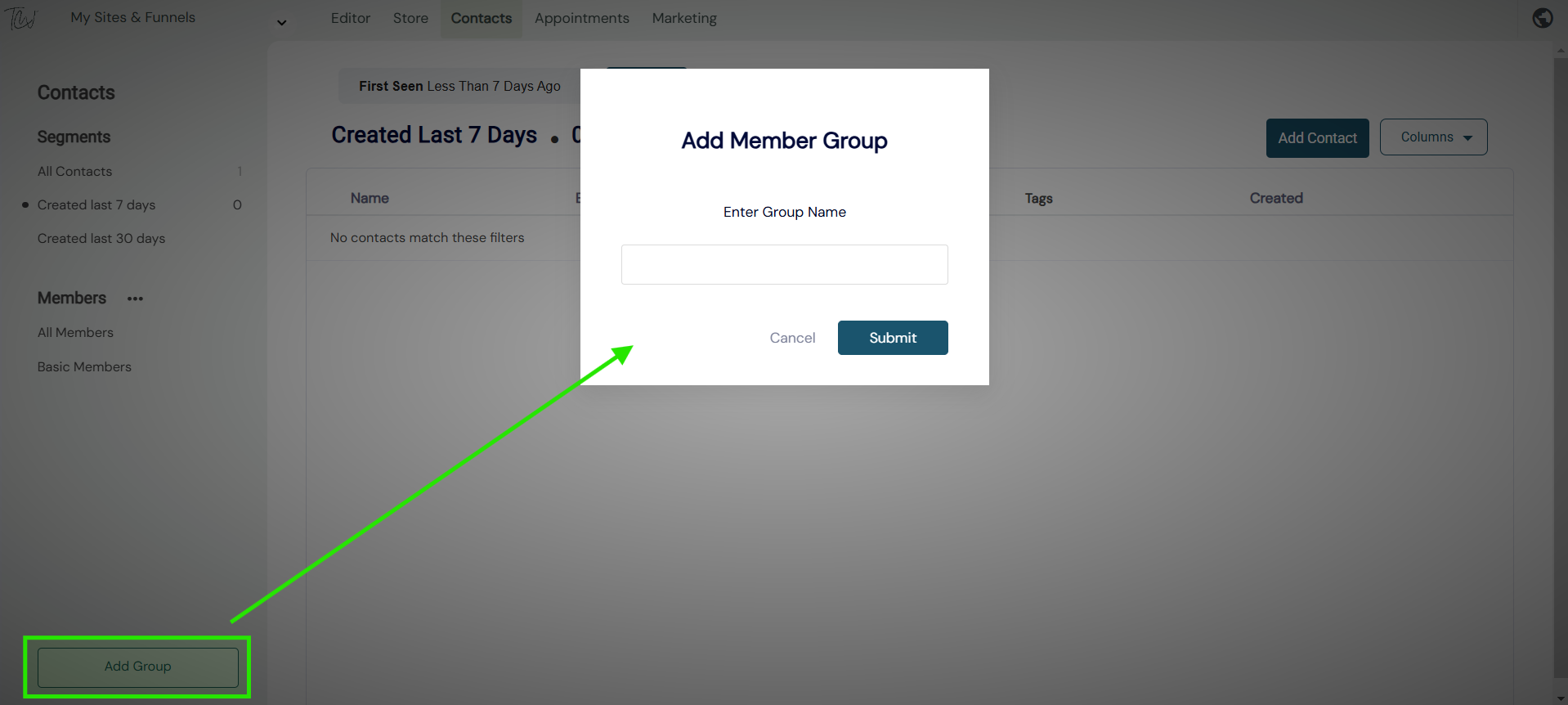
- To create a members group, simply > Select add group - now name the group.
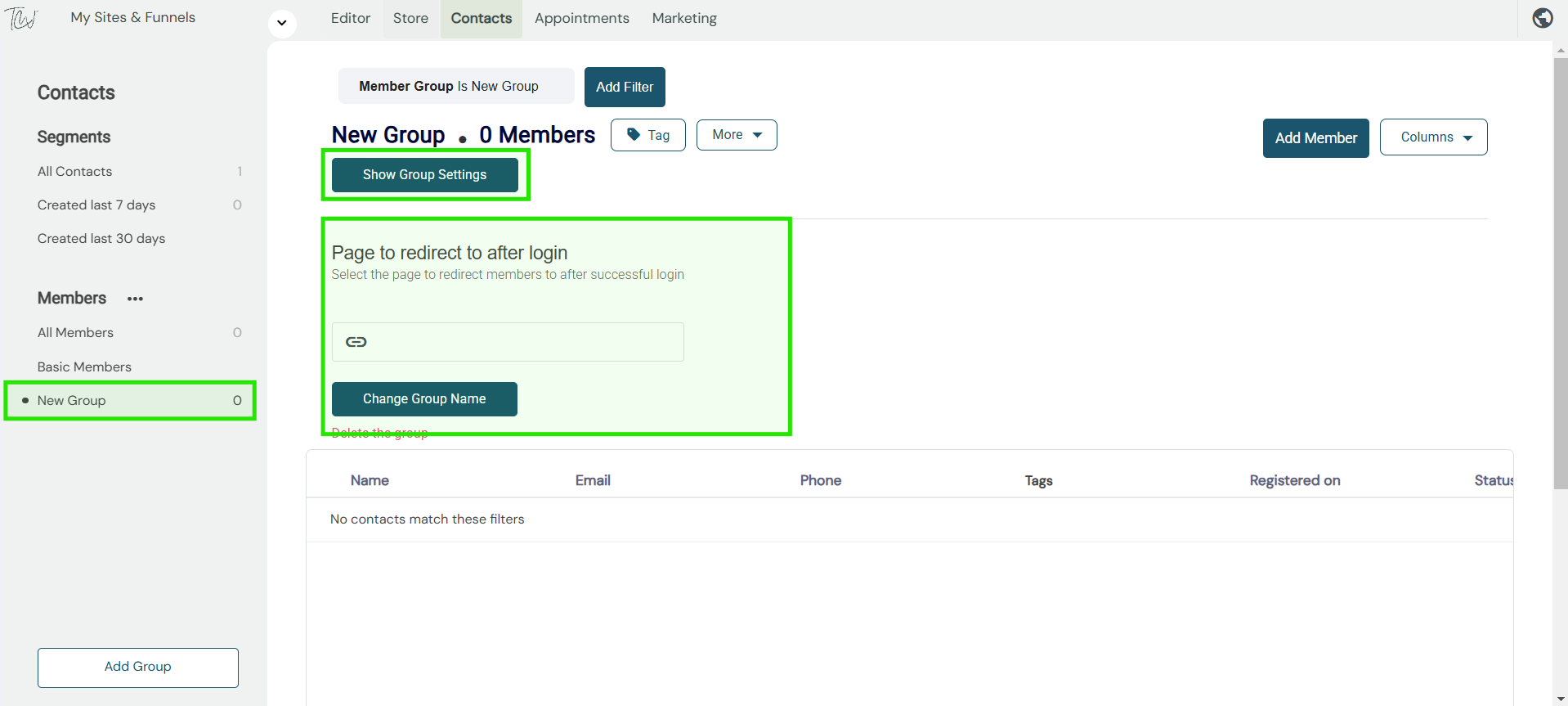
Once your member's group is created, you can now add a redirect after the login page.
This means when a member logs back into their membership area. What page or funnel step would you like them to go to.