Global styling - Add fonts
How to add more fonts to text editor?
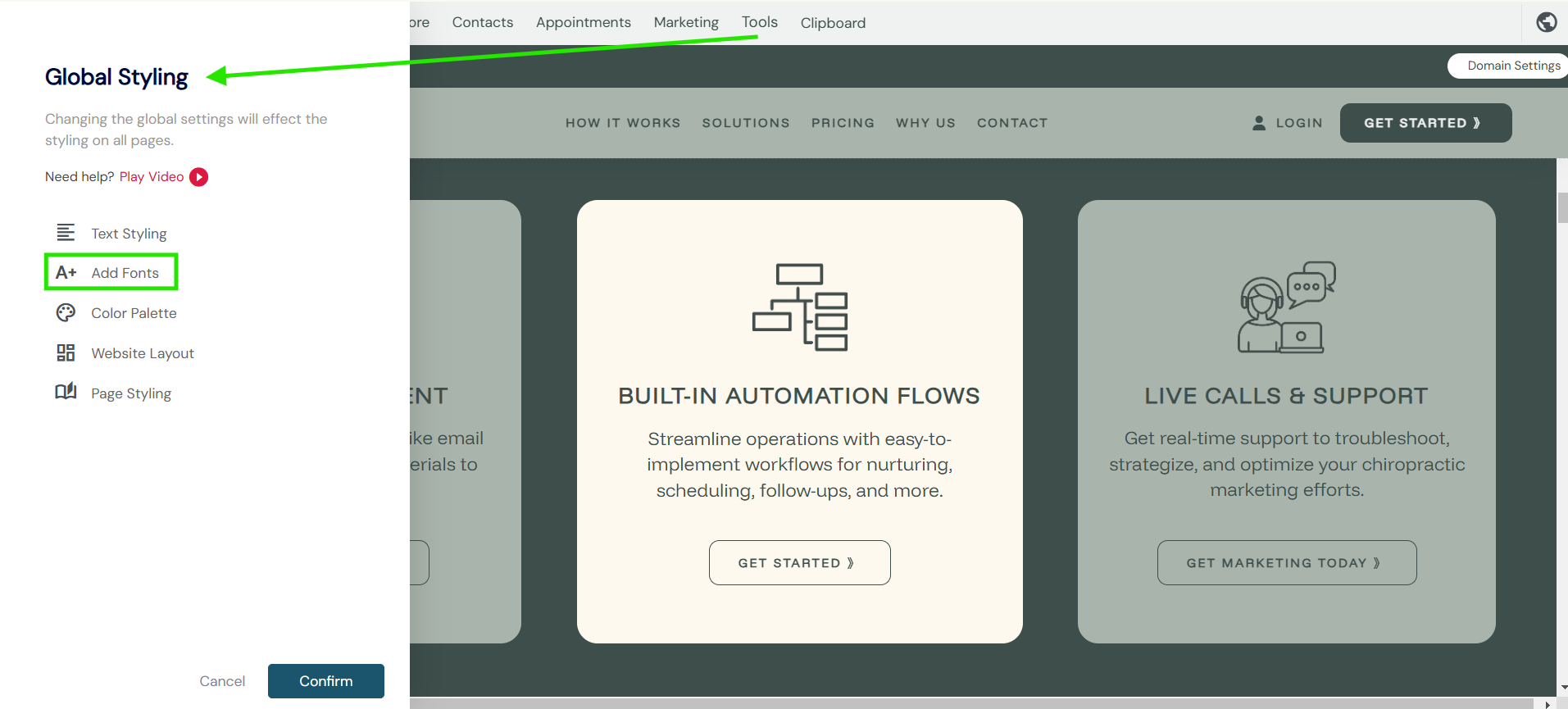
- Go to the Global styling tab and select Add Fonts.
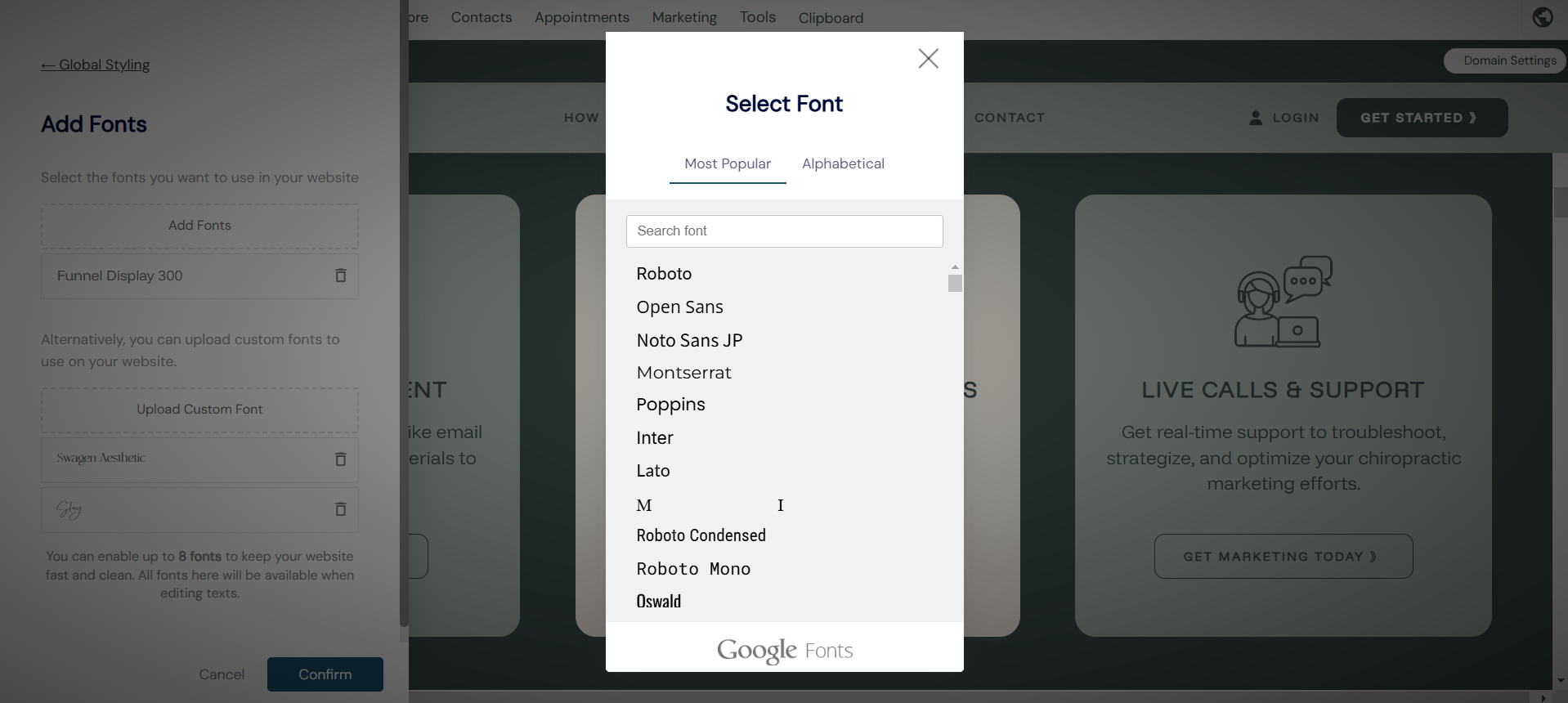
- Next you can either select add font or upload font.
- Selecting adding a new font will open the Google font list with over 1000 font types to choose from. The system allows you to have up to 8 font types at any one time.
We suggest keeping your font selection to no more than 3 to help keep within your branding, visitor readability and overall site speed and performance.
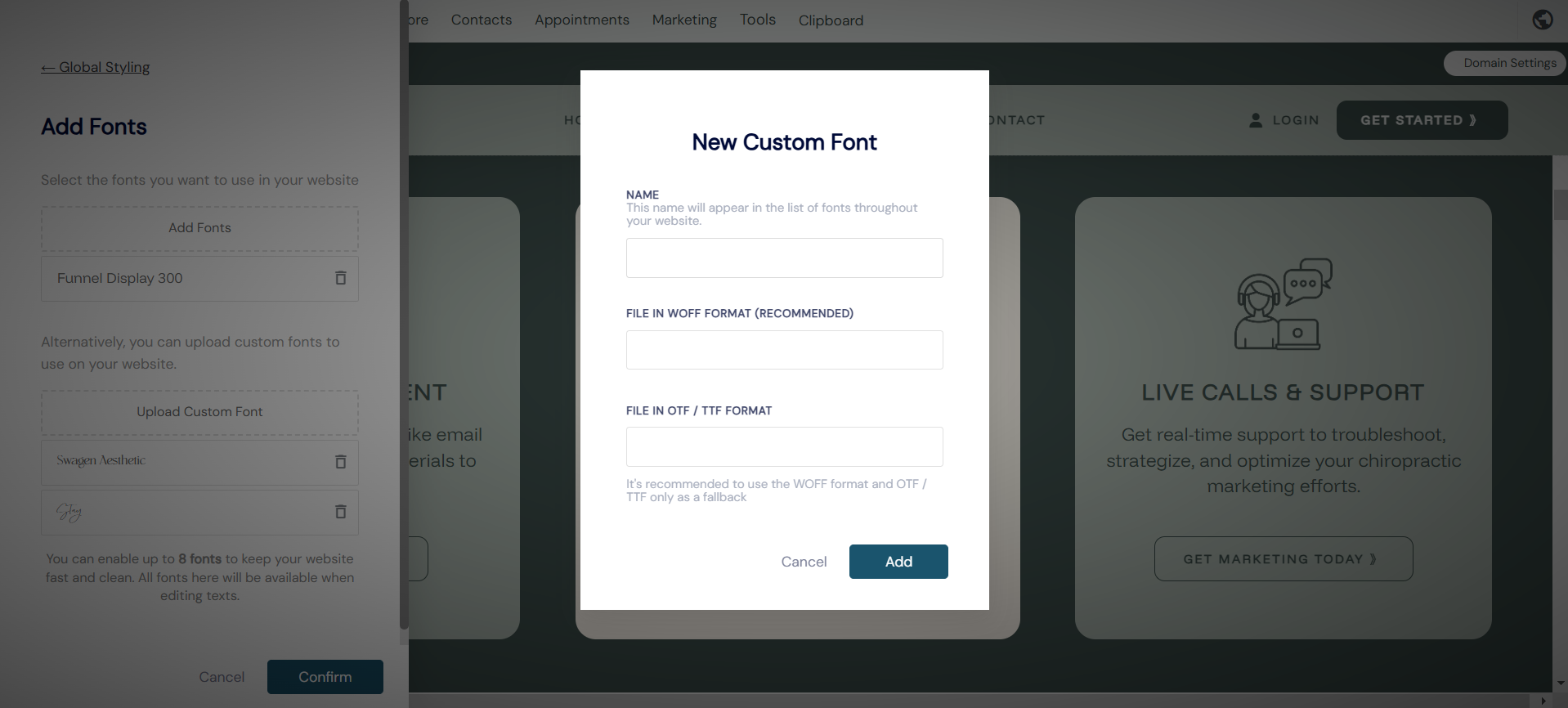
- Uploading custom font from another source or file. Select upload custom font
- Be sure to name your font for reference. Once uploaded click done and your custom font will be available to use site-wide.